













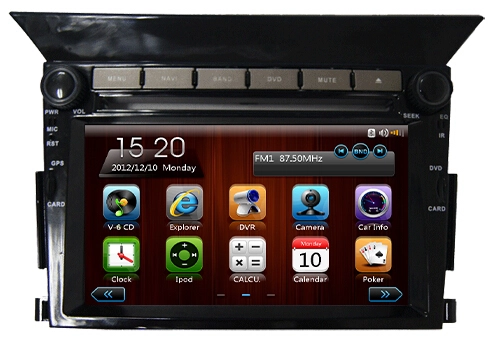
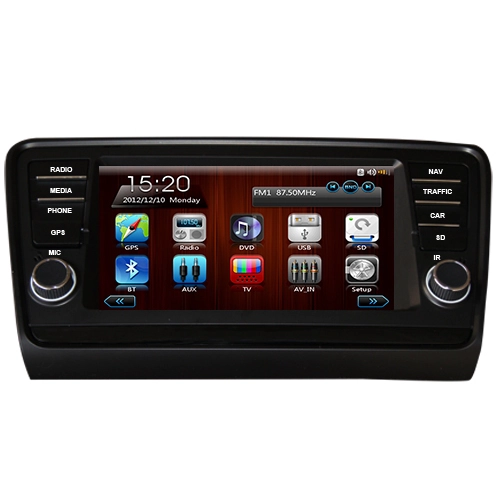
How to Choose a Car DVD Player with GPS
Choosing a car DVD player with GPS requires balancing compatibility, core functions, performance, and safety—here’s a step-by-step guide to help you pick the right one.
1. Confirm Vehicle Compatibility First
The most basic step is ensuring the device fits your car perfectly.
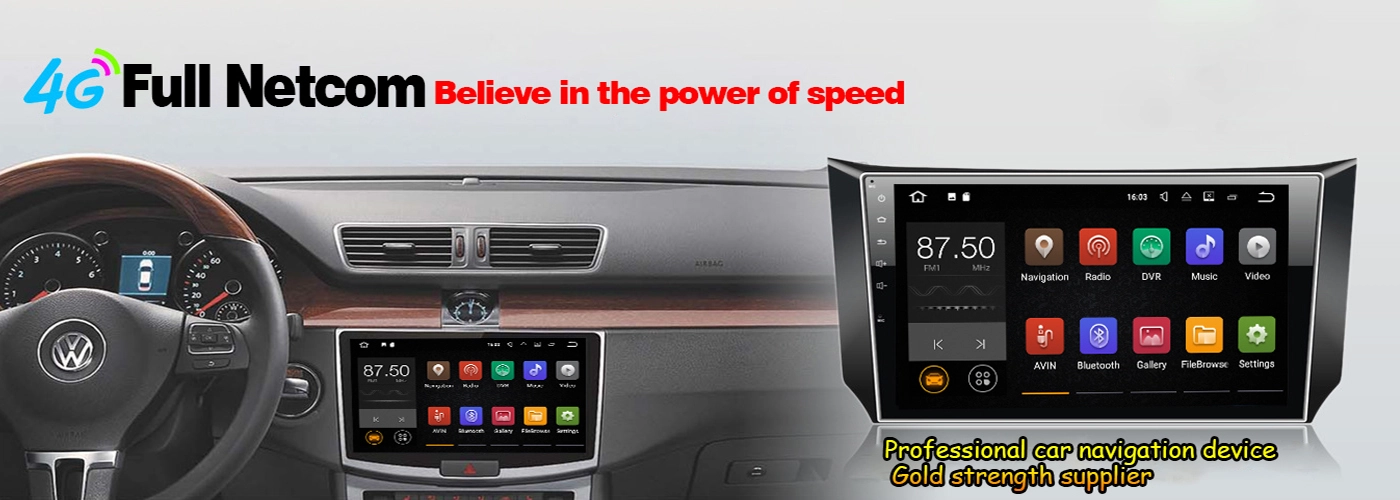
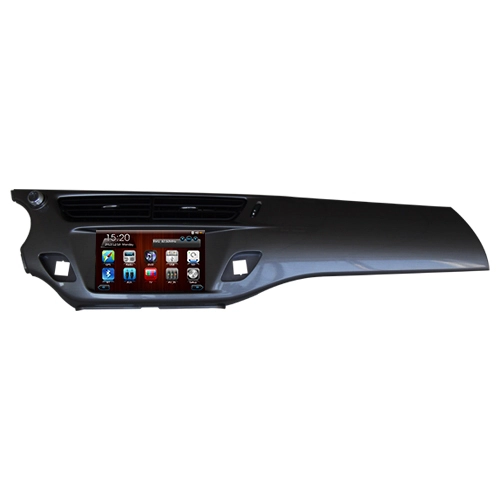
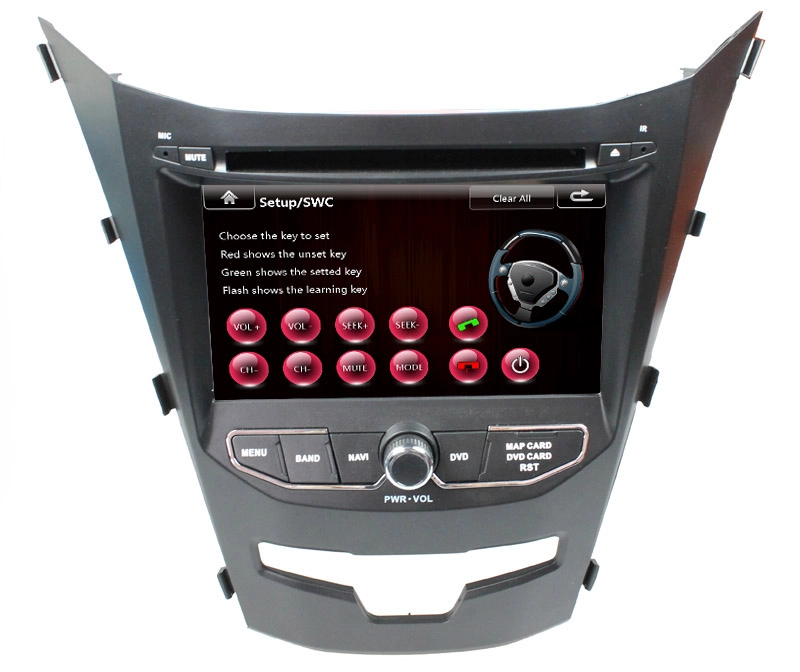
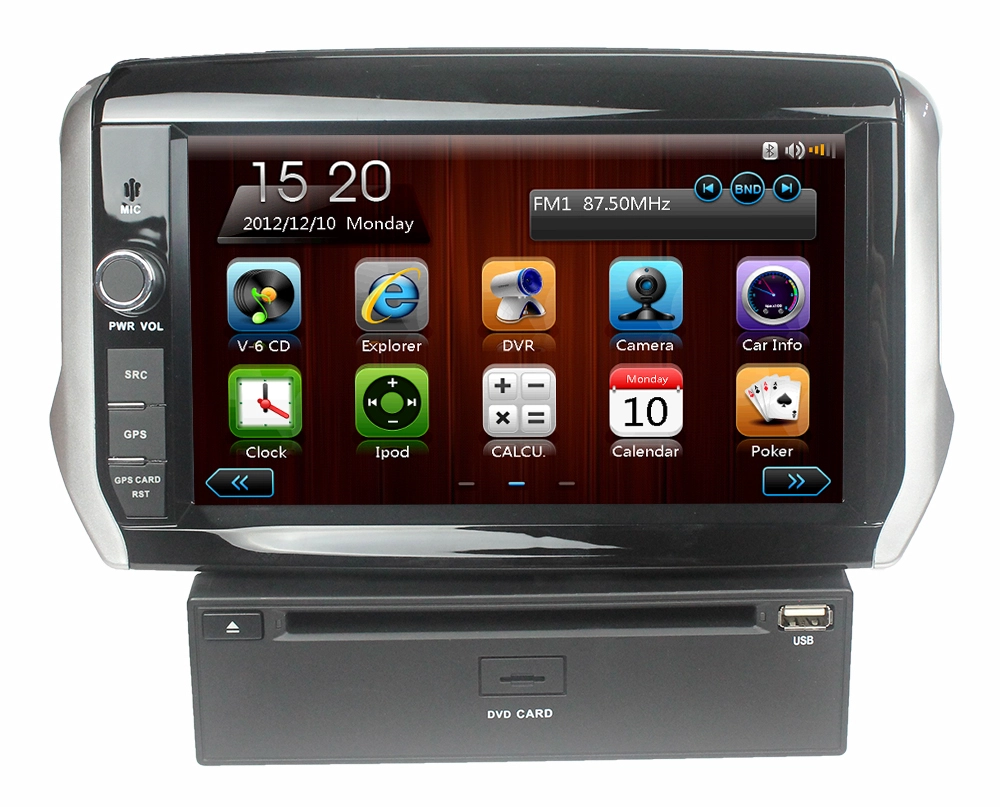
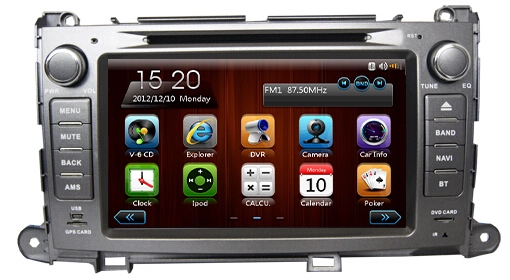
- Size & Installation Type: Check your car’s dashboard slot size (common sizes: 1 DIN/2 DIN; 2 DIN is larger with bigger screens). Choose a single-DIN or double-DIN model that matches the dashboard opening. Also, confirm if you need a floating screen (suitable for cars with irregular dashboards) or an integrated one.
- Wiring & Adapter: Verify if the player supports your car’s original wiring harness. A dedicated adapter avoids cutting factory wires and preserves original functions (e.g., steering wheel controls, rear camera).
- System Compatibility: Ensure it works with your car’s original systems (CAN bus, audio amplifiers, etc.) to prevent malfunctions.
2. Check Core GPS Navigation Performance
GPS is a key function—focus on accuracy, speed, and map usability.
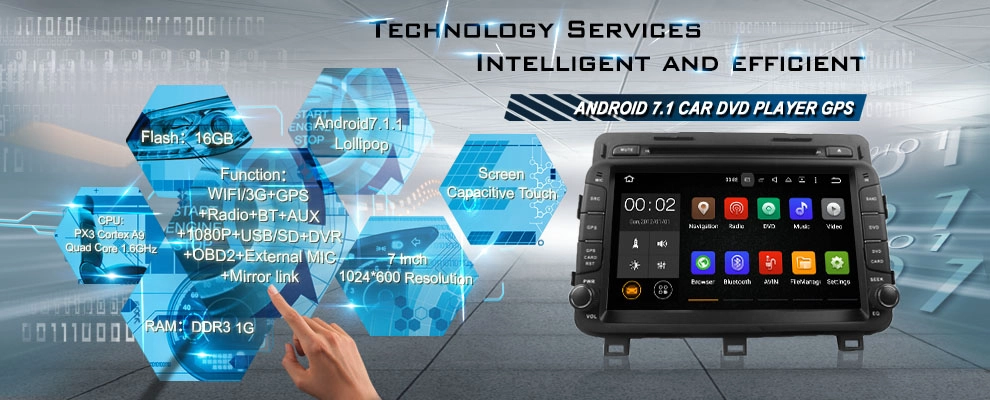
- GPS Chip & Signal: Opt for a high-sensitivity GPS chip (e.g., GPS + GLONASS dual-mode) for faster satellite locking and stable signals in tunnels, underground parking, or urban high-rises.
- Map Software & Updates: Choose pre-installed, user-friendly maps (e.g., Google Maps, IGO, or regional mainstream maps). Confirm free lifetime map updates—outdated maps cause route errors.
- Navigation Features: Look for real-time traffic alerts, voice guidance (multi-language support), 3D map view, and speed limit reminders for safer driving.
3. Evaluate DVD & Multimedia Functions
Since it's a DVD player, media playback quality matters.
- Disc Format Support: Ensure it reads common formats: DVD-Video, DVD-R/RW, CD, CD-R/RW, MP3, WMA, AVI, MP4—avoid models with limited format compatibility.
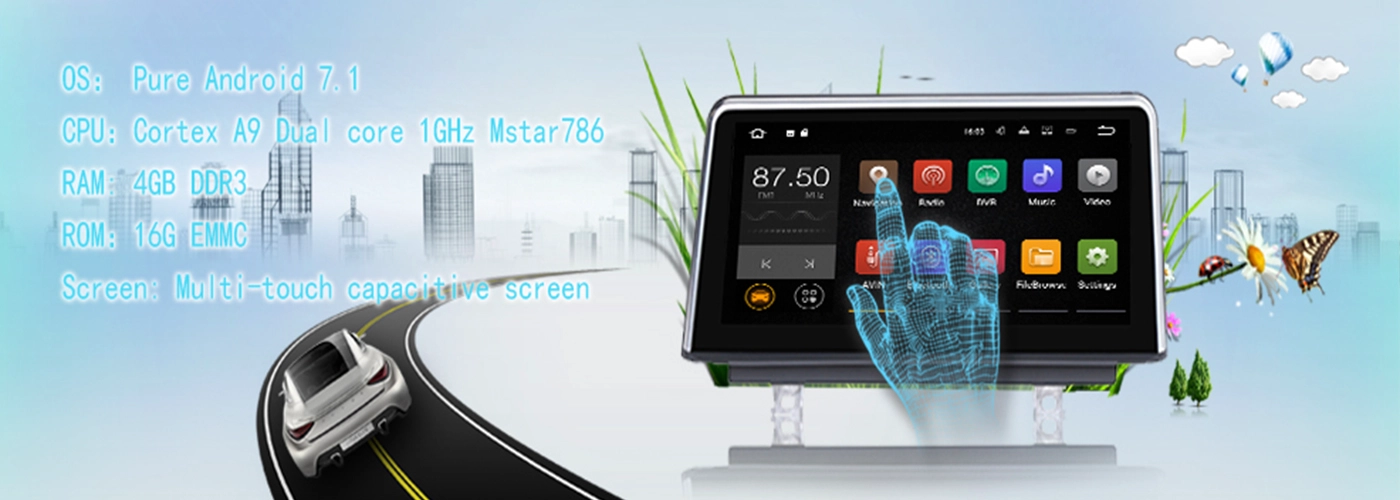
- Screen Quality: Pick a high-resolution touchscreen (minimum 1024×600; 1920×1080 for better clarity). A IPS screen offers wider viewing angles and brighter display, which is visible under sunlight.
- Audio Output: Check for high-fidelity audio (support for EQ adjustment, subwoofer output, Bluetooth audio). It should connect to your car’s speakers clearly without noise.
4. Look for Practical Connectivity Features
Modern car players need flexible connections for daily use.
- Bluetooth: Built-in Bluetooth for hands-free calling and wireless music streaming—critical for safe driving. Some models support phone book sync.
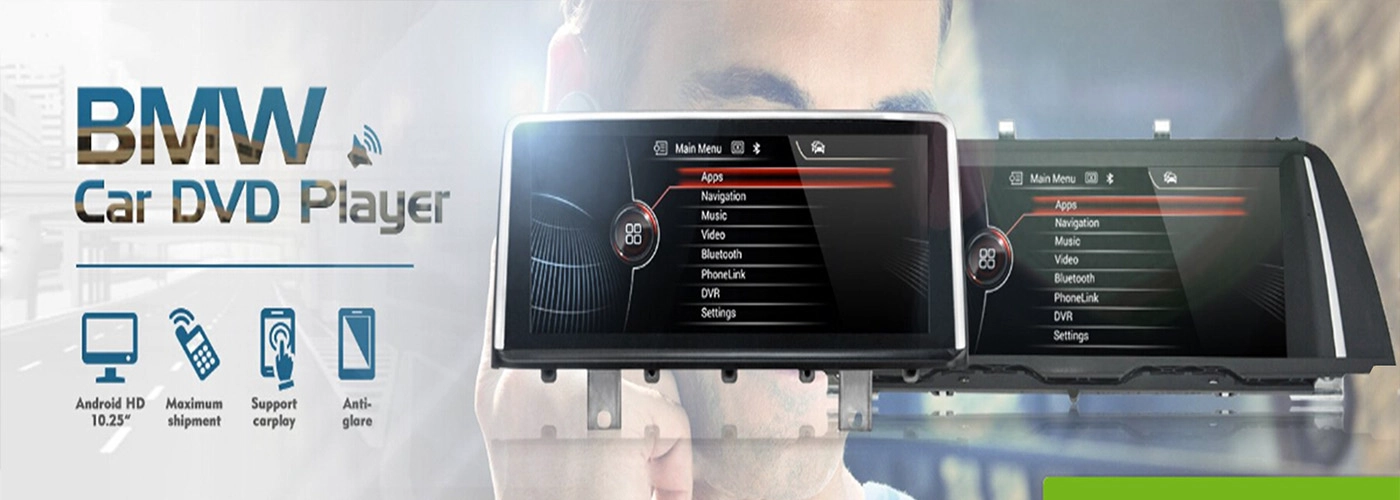
- Wireless & Wired Mirroring: Support CarPlay (Apple) / Android Auto (wired or wireless) to mirror your phone’s screen, use phone navigation, or play videos.
- Ports: Ensure enough ports: USB, AUX, SD card slot for playing media from external devices; rear camera input (for reverse parking assistance).
5. Prioritize Safety & Durability
Car environments are harsh—choose a reliable, safe device.
- Safety Design: Anti-glare screen to avoid driver distraction; touch lock while driving (prevents accidental operation); stable mounting to avoid shaking on bumpy roads.
- Durability: Look for shockproof, dustproof, and temperature-resistant design (works in -20°C to 60°C). High-quality hardware reduces glitches.
- Brand & Warranty: Choose reputable brands with good after-sales service. A 1–2 year warranty covers hardware failures and technical support.
6. Set a Reasonable Budget
Prices range widely:
- Entry-level ($100–$300): Basic DVD + GPS, small screen, limited connectivity.
- Mid-range ($300–$600): HD touchscreen, dual GPS, CarPlay/Android Auto, Bluetooth.
- High-end ($600+): Large IPS 4K screen, premium audio, wireless CarPlay, multi-function integration.
Match your budget to your needs—mid-range models balance performance and cost for most users.
Summary
Focus on dashboard fit, GPS accuracy, screen quality, connectivity, safety, and budget. Test the touch response, GPS signal speed, and DVD playback before buying to avoid post-purchase issues.

